
Eight modules. One production.
Information entered once becomes the call sheet, the schedule, the report and the record. Every department works from the same plan, on the phone already in their pocket.
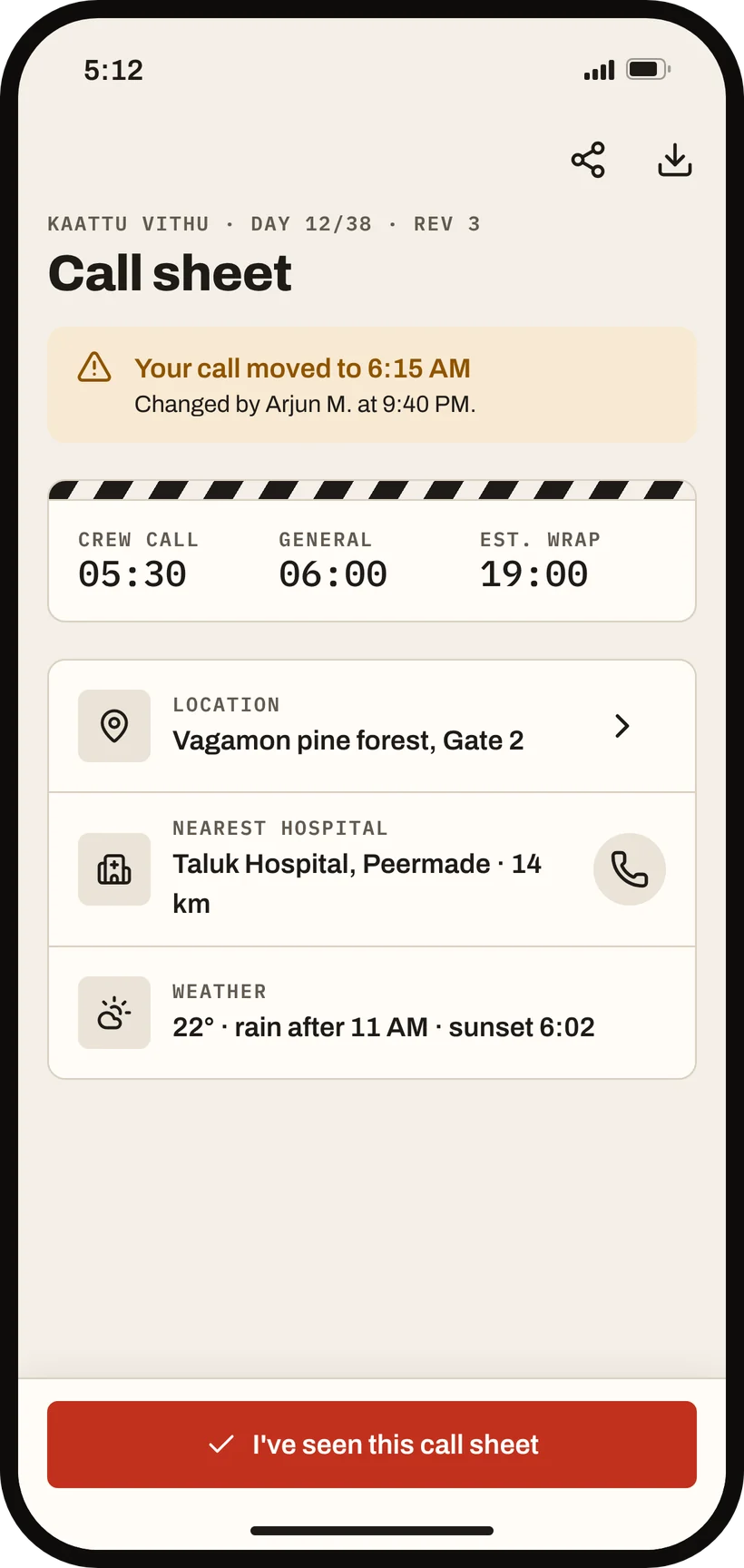
Your call time, before you ask.
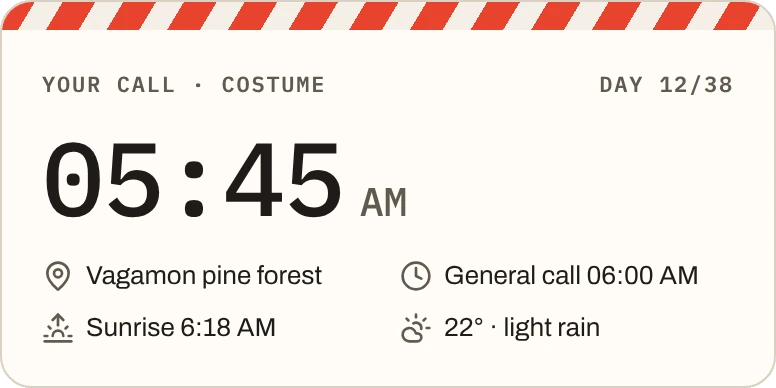
Digital call sheet. Built from the crew list and the schedule, so nothing is typed twice. Everyone sees their own call, location and scenes, and confirms with one tap.
- Auto-built
- One-tap confirm
- WhatsApp + PDF
The ruleProduction admins create and edit; everyone else reads and confirms.
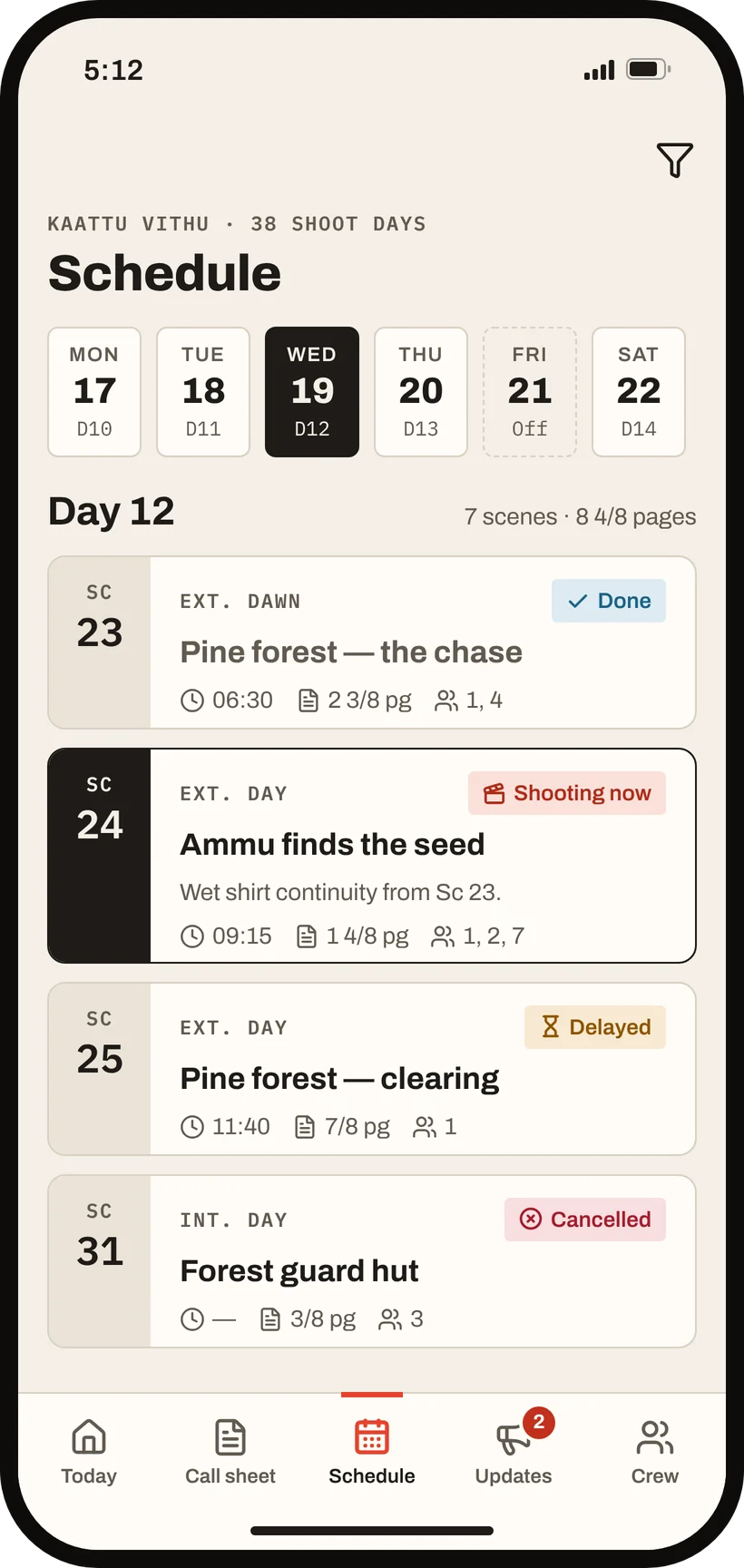
The day, in shooting order.
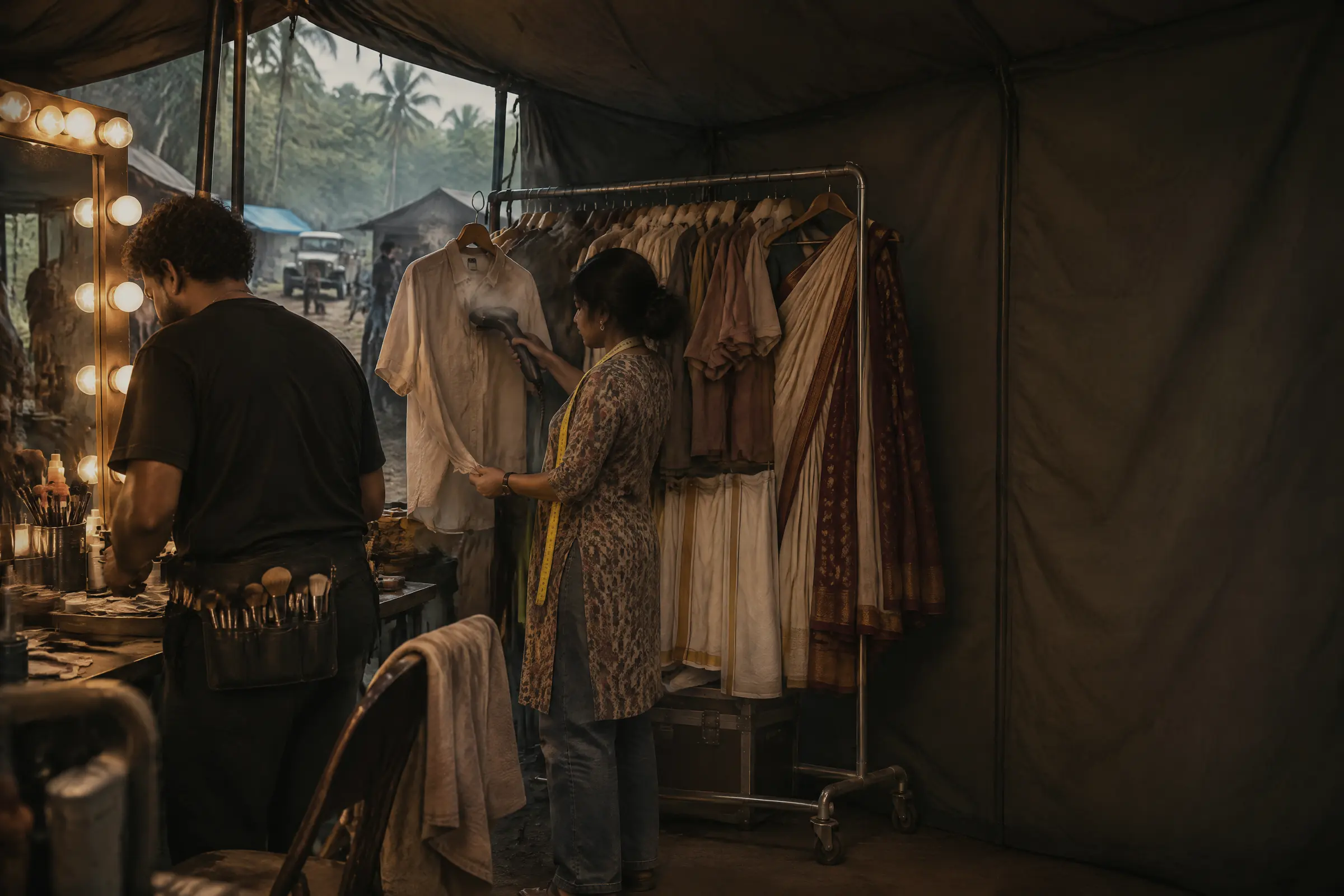
Shooting schedule. Day, week and month views of the whole shoot. Move a scene and Filmly flags the conflicts; people decide, and the call sheet updates itself.
- Day / week / month
- Conflict flags
- Flows to call sheet
The ruleSchedule editing is a right given to specific people, because who builds the schedule changes from production to production.
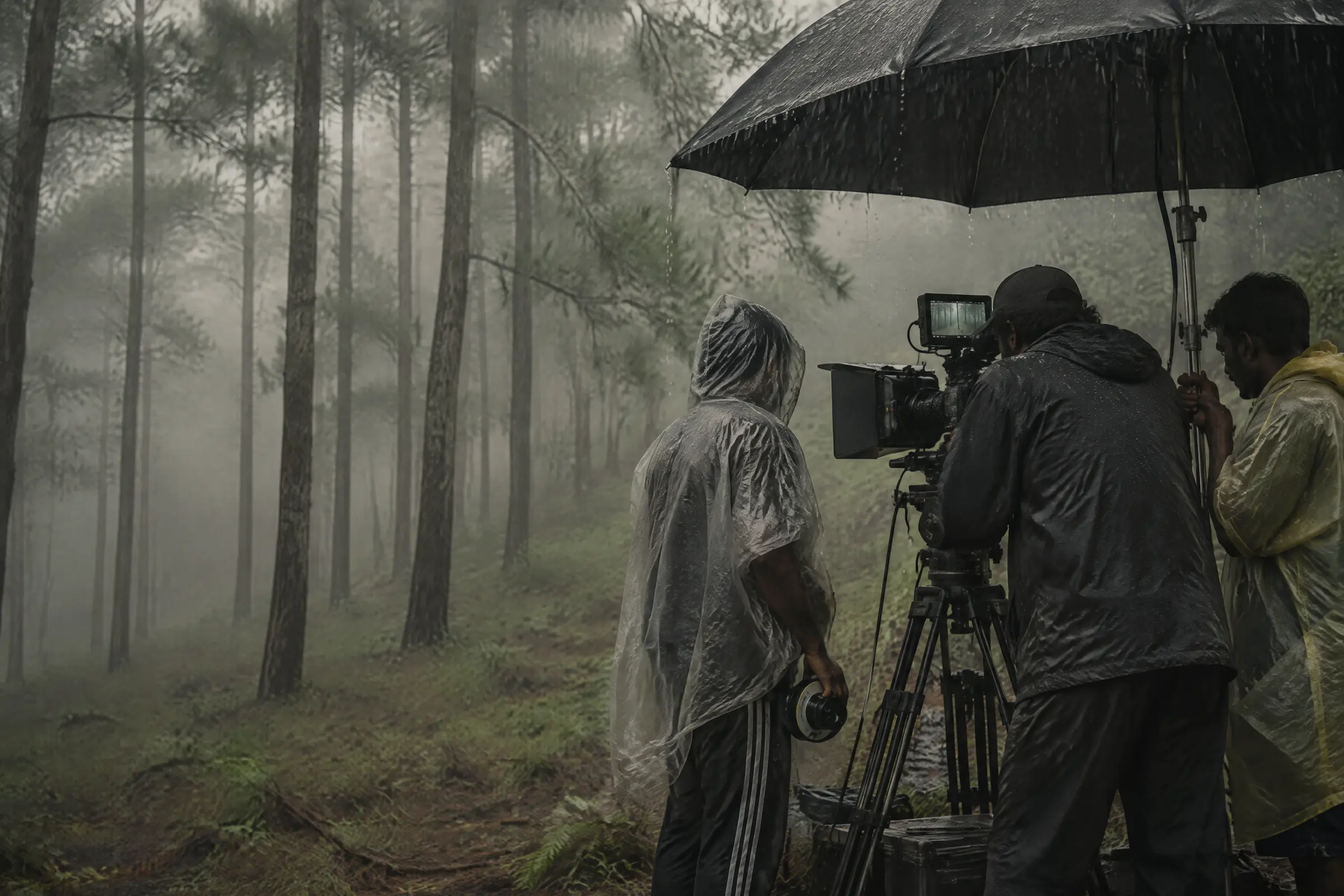
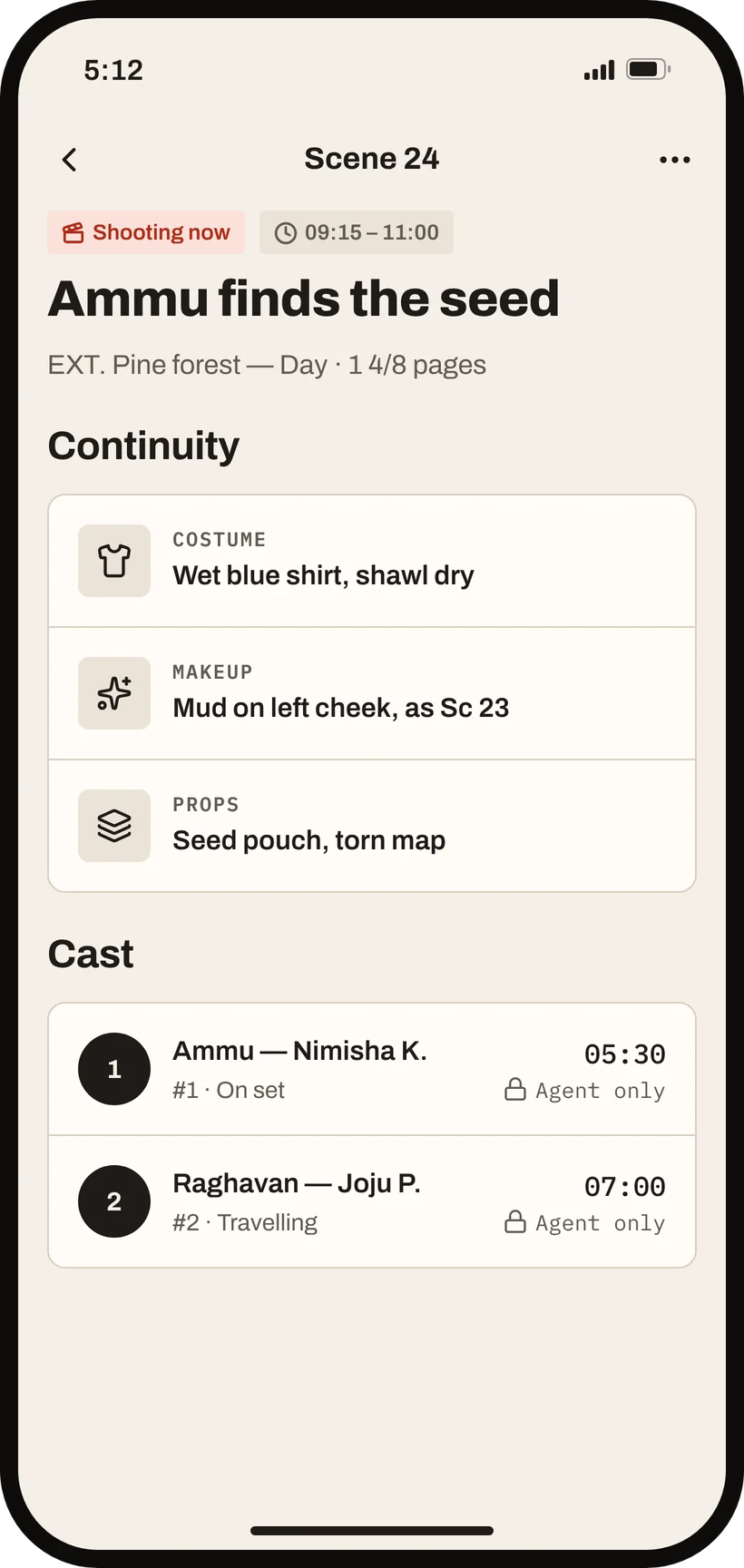
Every setup, tracked live.
Shot list. Shots belong to a scene, with size, lens and movement. Mark them captured, log takes, pick one keeper, and the day's report counts the setups for you.
- Shots per scene
- Takes + keeper
- Feeds the report
The ruleEditable together; who can edit is set for each production.

Everyone on the production, one list.
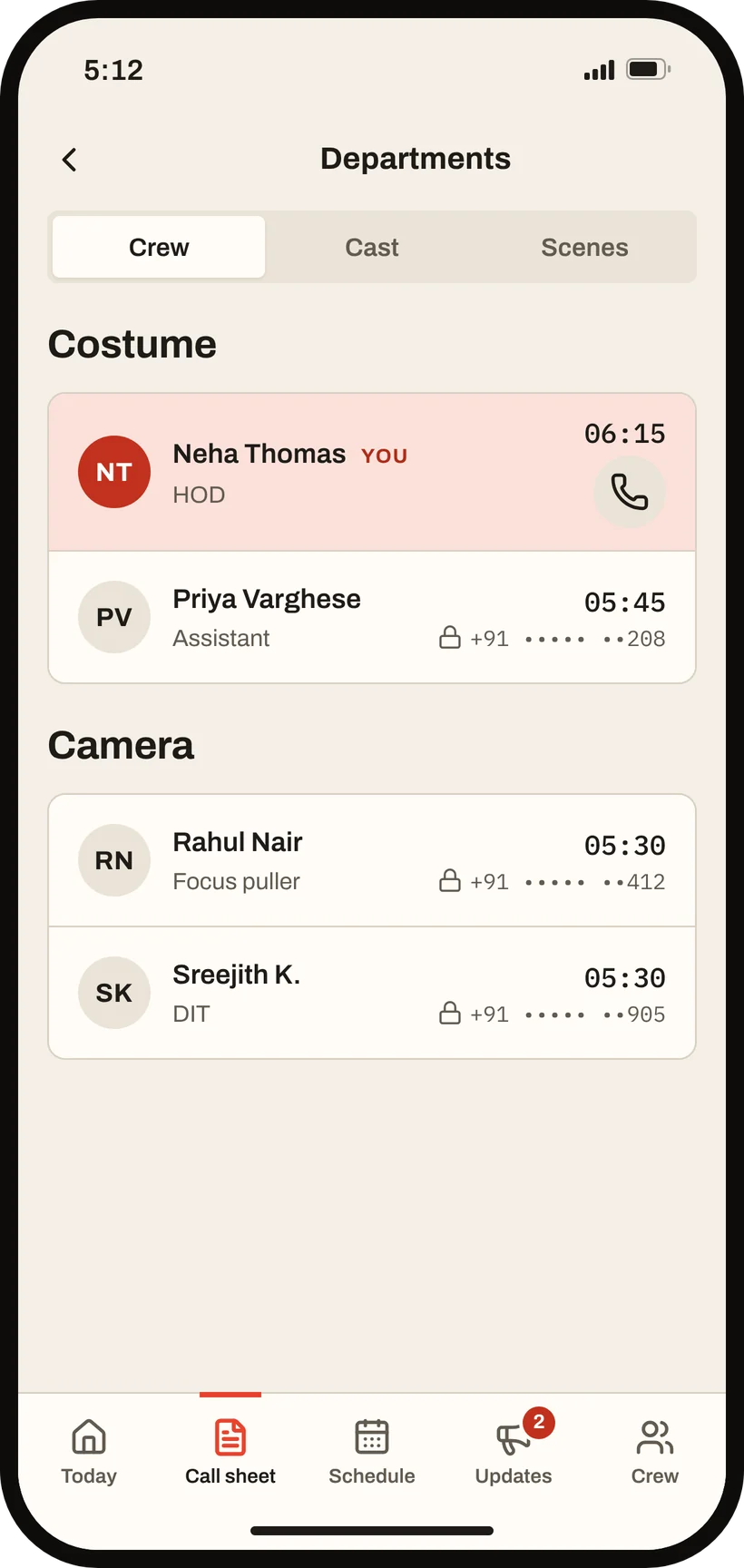
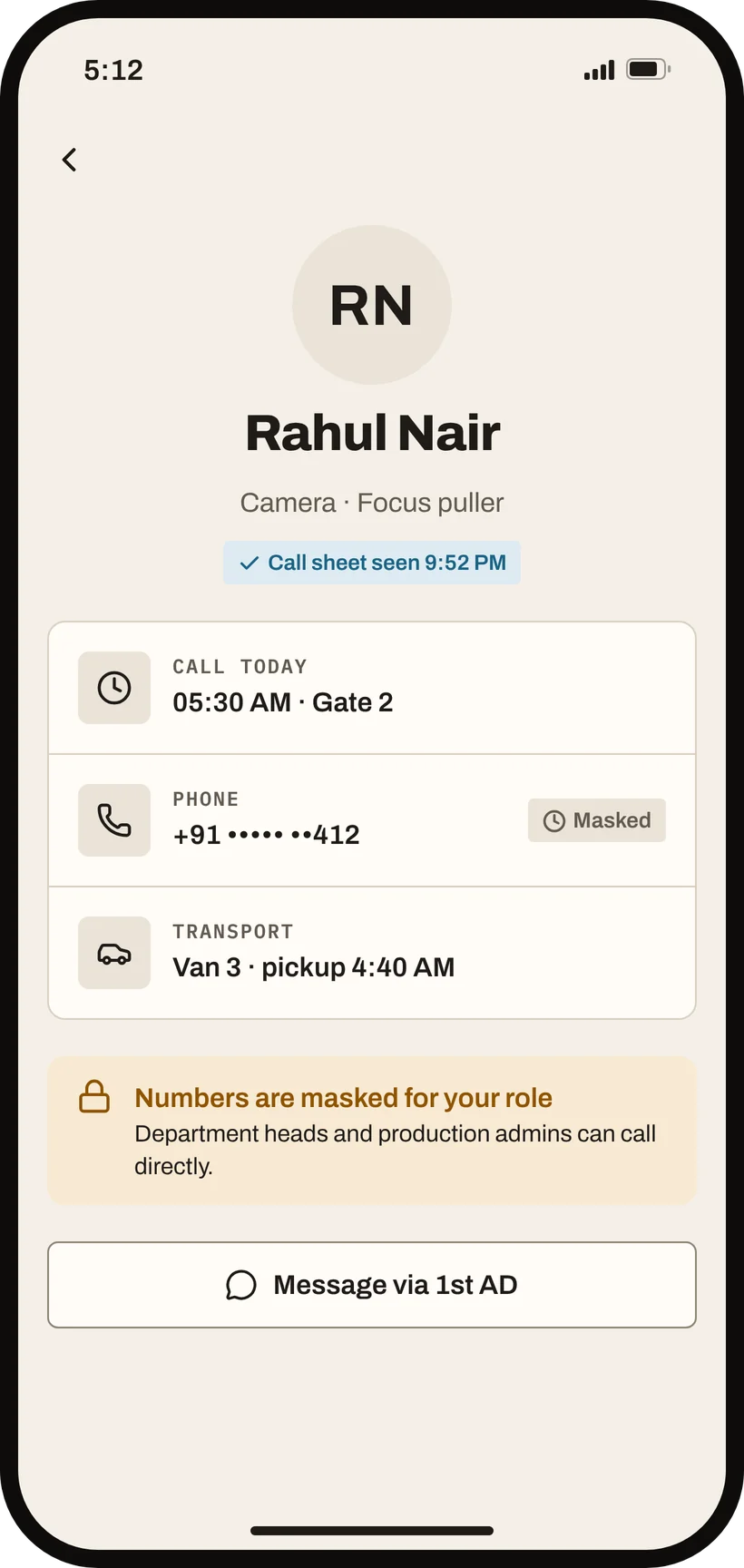
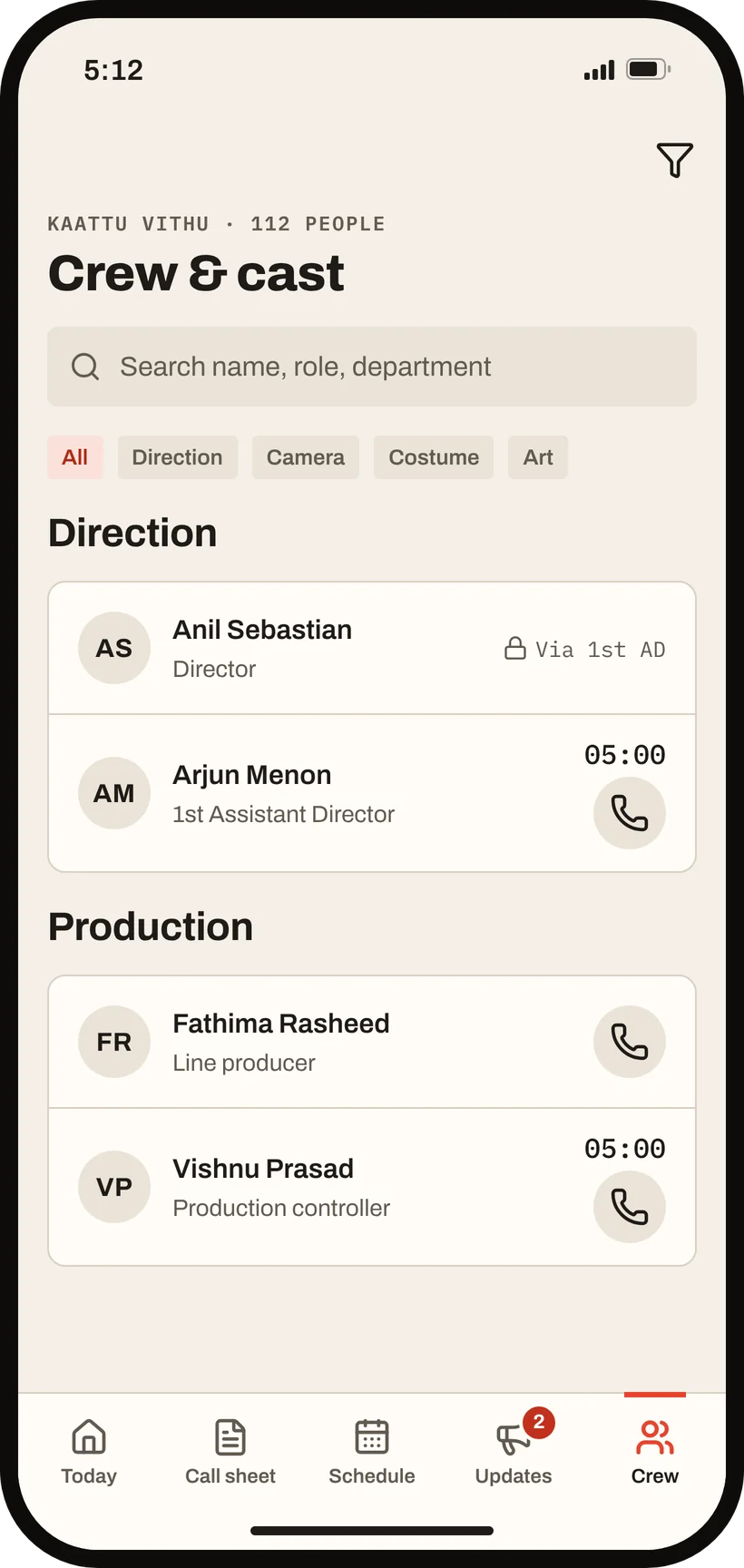
Crew and cast directory. Names, roles, departments and call status in one place. You see full contacts for your own department; numbers outside it are masked.
- Department privacy
- One-tap call or WhatsApp
- Masked numbers
The ruleMasked numbers never reach the phone at all. They are not just hidden on screen.

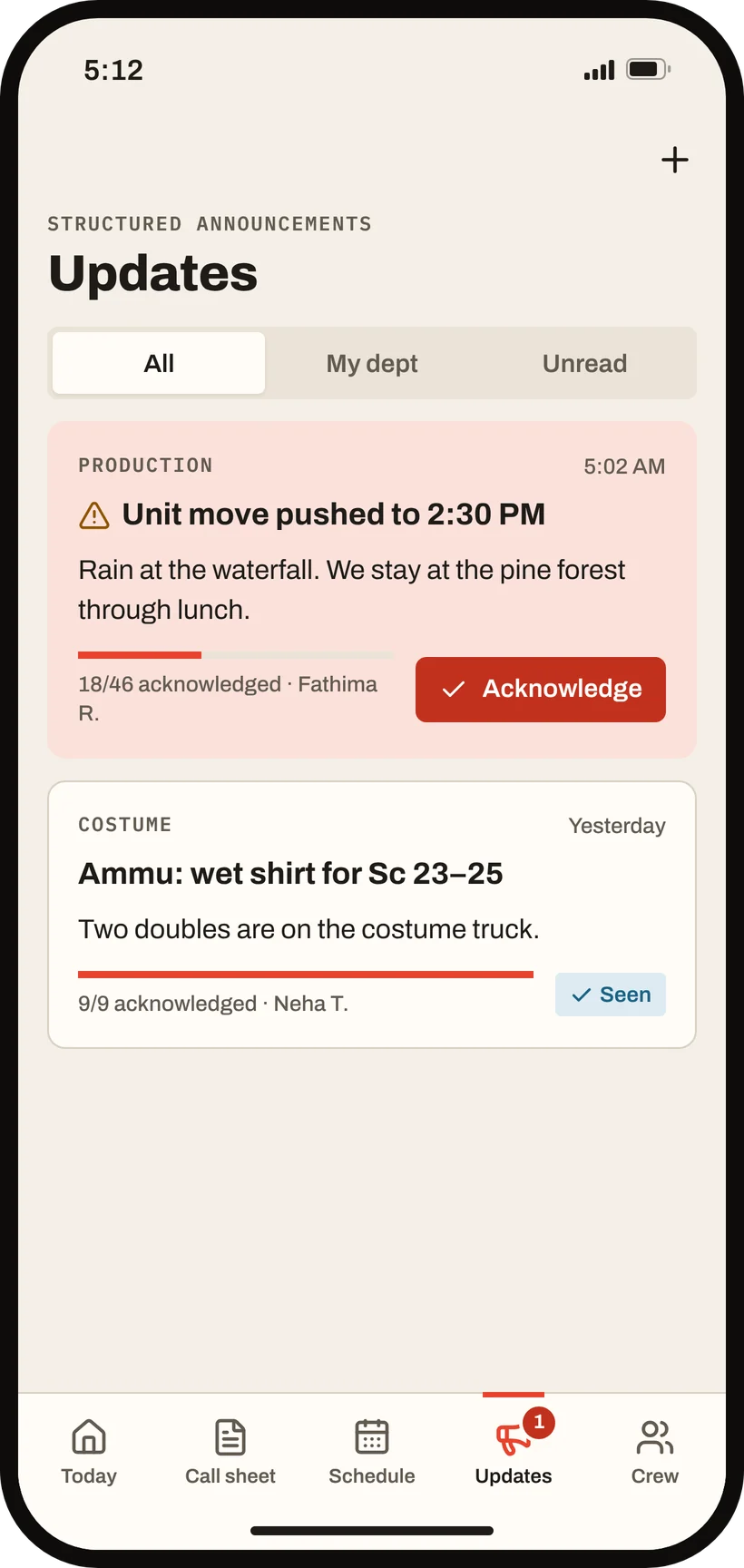
Updates for the people they're for.
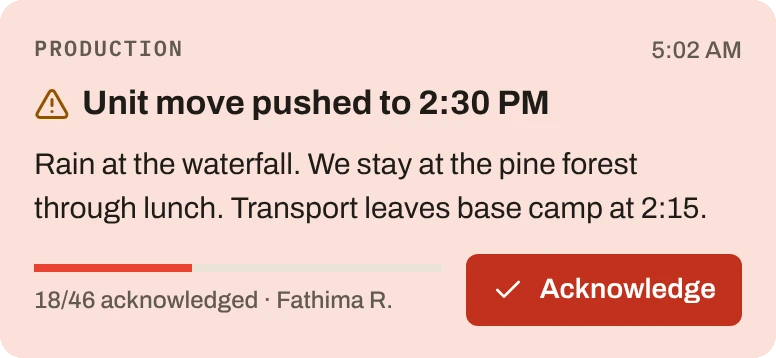
Announcements. Send to a department, the cast or everyone, with threads for replies. See how many have acknowledged, and exactly who hasn't.
- Scoped audience
- Threads
- Acknowledgements
The ruleOnly department heads and production admins can post.

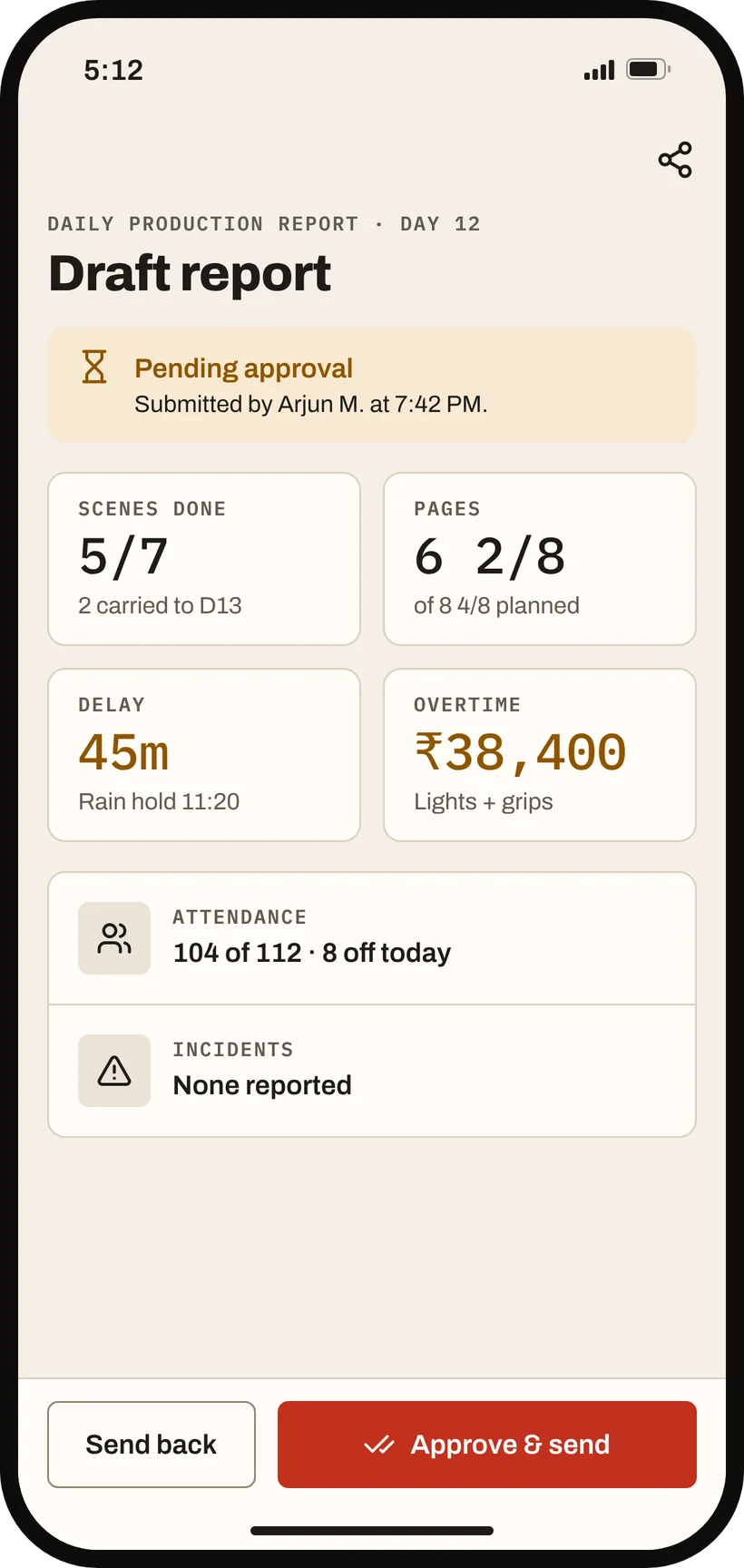
Wrap. The report is already drafted.
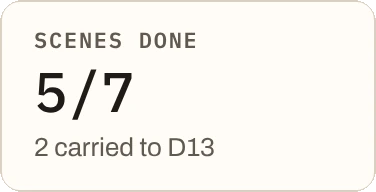
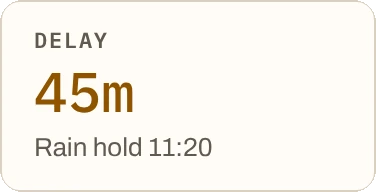
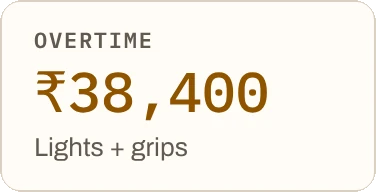
Daily production report. Timings, progress, delays and rupee expenses, assembled from the day's call sheet, schedule and shot list. The AD edits it, a producer approves it, and nothing sends on its own.
- Auto-drafted
- Approve, then send
- Costs in ₹
The ruleClear Draft or Approved status, at all times.

“Done” means done.
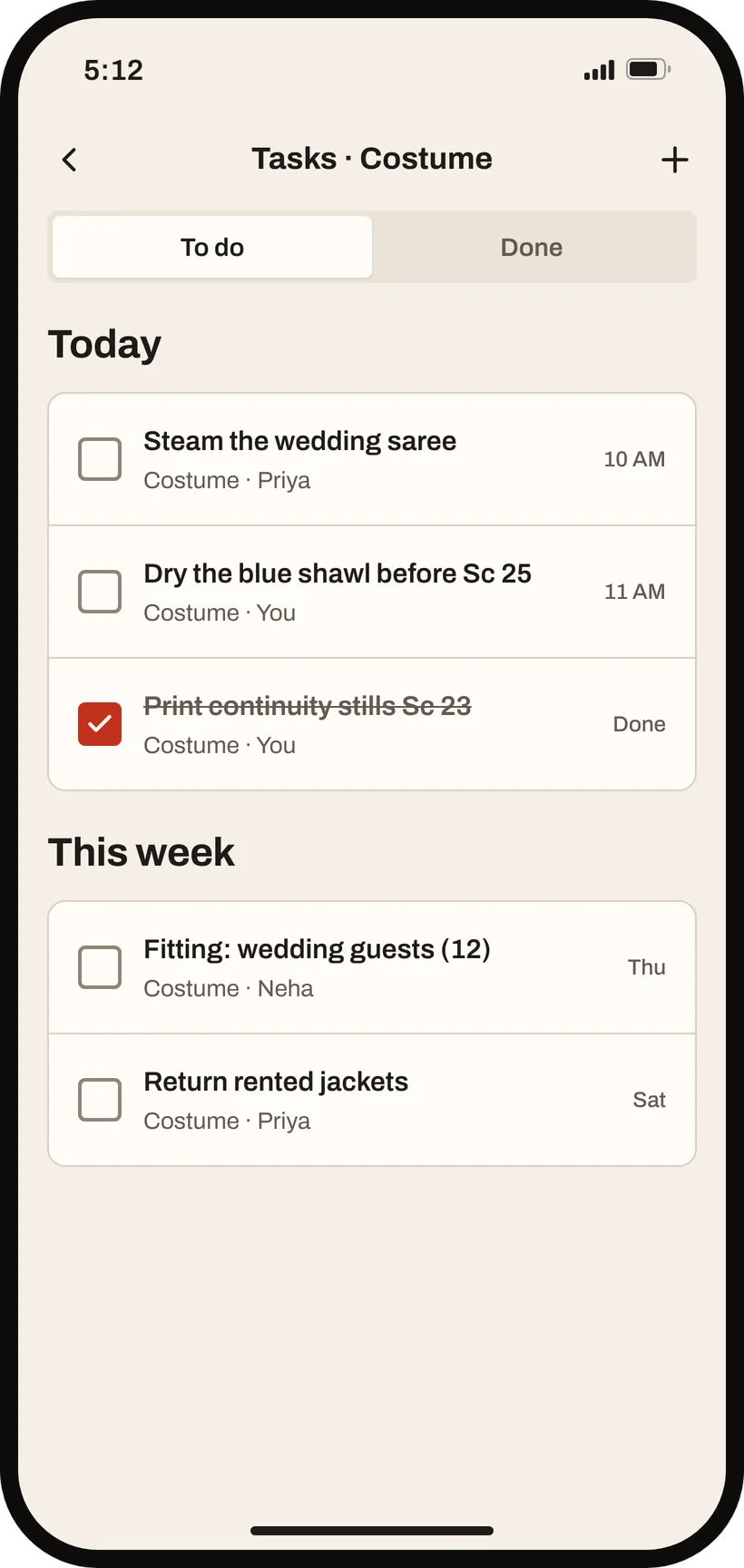
Task board. Anyone can raise a task and give it to a person or a department. Only the owner or a production admin can close it, and overdue high-priority work alerts both sides.
- Owner + priority
- Escalation
- Linked to scenes
The ruleClosing rights are deliberately tight.
Who has the camera, right now.
Asset list. Every camera, light, sound kit and vehicle, with who holds it and since when. Each check-out and check-in is logged for good.
- Check-out / check-in
- Current holder
- Permanent history
The ruleHistory is never overwritten.